
Computer repair in Bhuj
Desktop not turning on, restarting randomly or freezing? Request a systematic check of the power supply, memory, storage, cooling and operating system to identify the likely fault.
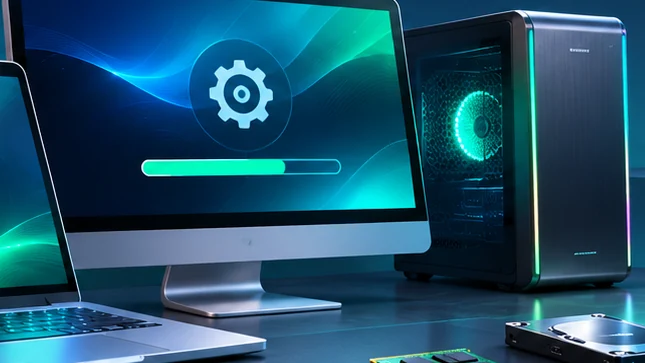
What the service covers
- Desktop diagnostics and startup issues
- RAM, SSD and power supply checks
- Cooling, fan and dust-related assessment
- Windows errors and peripheral troubleshooting
Before you request support
- Note whether the machine beeps or displays an error.
- Tell us if hardware was recently changed.
- Keep a backup of essential files.
How quotations are prepared
Share your requirements and device information. Inspection, spare-part availability, work scope and charges are confirmed individually before you approve the service. Support is limited to Bhuj.
Frequently asked questions
Can you check a desktop that has no display?
Yes, request diagnosis of the display path, memory and other startup components.
Will I need a new computer?
Replacement is considered only after repair options and component compatibility are assessed.
Tell us what you need.
Request a quotation or service appointment. Availability and charges are confirmed before work begins.
1,000 practical troubleshooting cases
Find the symptom, check the likely cause, and learn the next safe diagnostic step. Need hands-on help? Contact our Bhuj service team.
Browse troubleshooting library →